
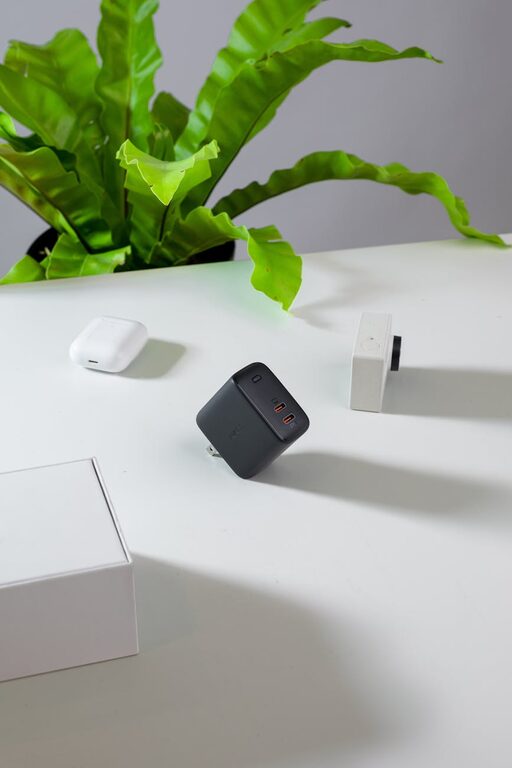
Setting up a dedicated charging station for your devices can help keep your home organized, reduce clutter from cords, and ensure all your gadgets are powered up when you need them. Whether you have smartphones, tablets, smartwatches, or other USB-powered devices, a well-planned charging area makes life easier. This guide will walk you through the steps to create an efficient and tidy charging station.
Why Create a Charging Station?
With the increasing number of gadgets we use daily, it’s common to have multiple chargers and cables scattered around the house. A charging station helps:
– Reduce cable clutter
– Prevent lost or misplaced chargers
– Provide a central location for charging multiple devices
– Protect devices from damage by keeping them in one place
– Keep your space neat and visually appealing
Step 1: Choose the Right Location
Selecting an ideal spot for your charging station is important. Consider these factors:
– Accessibility: It should be easy to reach for all family members or household users.
– Power outlets: Ensure there are enough electrical outlets nearby to plug in your chargers.
– Surface space: A stable table, shelf, or desk with enough area for all devices.
– Visibility: Choose a spot where devices won’t accidentally be knocked over or disturbed.
Common spots include a kitchen countertop corner, a small desk or shelf in a shared area, or near your bedside.
Step 2: Gather Necessary Supplies
Before assembling your charging station, collect the following:
– Multi-port USB charger: A charger with multiple ports reduces the number of adapters needed.
– Charging cables: USB-C, Lightning, Micro USB cables—enough for all your devices.
– Cable organizers: Clips, sleeves, or holders to keep cords untangled.
– Device stands or holders: To keep phones and tablets upright and easily accessible.
– Power strip (optional): If you have limited wall outlets, a surge-protected power strip is useful.
– Storage trays or boxes: For organizing small accessories like earbuds or adapters.
Step 3: Set Up Your Charging Hub
- **Arrange the multi-port charger:** Plug the charger into the wall outlet or power strip.
- **Connect cables:** Attach all necessary charging cables to the USB ports.
- **Organize cables:** Use cable clips or sleeves to route cables neatly and avoid tangles.
- **Add device stands:** Place stands or holders on the surface to keep devices stable while charging.
- **Designate device spots:** Assign each cable and spot to a specific device—this helps avoid confusion.
- **Use storage containers:** Place smaller items like wireless earbuds, power banks, or adapters in trays or small boxes nearby.
Step 4: Maintain and Customize Your Charging Station
Once your charging station is set up, keep it tidy and functional with these tips:
– Regularly declutter: Remove unused cables or devices.
– Label cables if needed: For large households, labeling cables can prevent mix-ups.
– Add lighting: A small LED light or lamp can improve visibility, especially in darker areas.
– Personalize the space: Use decorative elements or color-coded cables to brighten up the area.
– Keep it safe: Avoid overloading power outlets and replace damaged cables immediately.
Additional Tips for an Efficient Charging Station
– Wireless charging: Incorporate wireless charging pads for compatible devices to reduce cable use.
– Portable charger storage: Keep power banks charged and stored in the station for easy access.
– Child-proofing: If you have young children, consider placing the station in a safe spot or using outlet covers.
– Use smart plugs: For remote control of the charger’s power supply and to reduce energy waste.
Final Thoughts
Creating a charging station doesn’t have to be complicated or expensive. With a bit of planning and the right tools, you can set up a neat and practical space that keeps all your devices powered and ready to go. Not only will this save time searching for chargers but also enhance your home’s organization.
Start with a small corner and improve it gradually based on your household’s needs. Happy charging!